Work / Handy Golf
A golf web app grew into an ecosystem
What started as a relatively small golf product expanded into apps for golfers and coaches, a content library, and coach website templates. I designed the different parts as they emerged, keeping them connected across platforms, audiences, and visual themes.
A simple idea for learning golf
The project started with a relatively simple idea for a golf web app: a structured way to learn through lessons, series, and other golf content.
Designing While It Was Moving
The product was still taking shape while I was designing it. New platforms, audiences, features, and needs kept appearing along the way, so the design had to evolve with them without losing sight of what was already there. I was the only designer on the product, and there was no process to fall back on. Plans were rewritten most months. The structure underneath had to hold, because every new surface started from it.
I stopped adding to the library
After one year of additions, the component library needed a different approach. I drew a line across the components page, kept the old system on one side because the shipping app still depended on it, and built the new one on the other. That boundary stayed in place for months. Every component that crossed it was rebuilt.
The activity card was one example. Nine variations had accumulated, each with its own structure. I rebuilt the component around three shapes, three background options, and 13 shared properties, allowing the same card to adapt to different states.
From web app to native
The web app became a native iOS experience, expanding from structured learning into practice tools, games, swing analysis, and recording.
Coaches found a place in the product
The Coach App gave coaches a place to create their own services — from in-person lessons and swing analysis to online lessons — and define how and where they worked. They could also create their own website directly from the app.
The coach app runs on the same component library as the golfer app. Thirty-seven semantic tokens sit under both, and five carry a different value: three backgrounds and two text colors. The text values are adjusted to hold contrast against the coach’s darker background.
A site built from connected pieces
I designed three interconnected flows within the Coach App: Coach Profile, Services, and Website Management.
Each serves a distinct purpose. Coach Profile gives coaches a public presence in the Golfer App while also providing information for their websites. Services lets coaches manage their offerings for the Handy Golf marketplace and choose which ones to publish on their websites.
Website Management brings these pieces together, allowing coaches to shape their websites without duplicating content. When information needs updating, contextual shortcuts take them directly to the flow where it’s managed.
Each flow works independently, but together they form a connected system.
Learning became part of the product itself
The HowTo Library connected golf problems with the tools that could help solve them. A golfer could discover a fix on the web and see how Handy Golf could help, or find the same guidance directly from the relevant feature inside the app.
How everything connects
Four connected surfaces, each with its own role, platform, and audience.
What shipped, and what didn’t
The golfer app is on the App Store, now as a paid app. The free version that preceded it passed five thousand downloads. It carries lessons, drills, games, and the first version of the marketplace.
The HowTo Library is live on the web.
The coach app and the website template were designed in full and built in part. They haven’t been released.
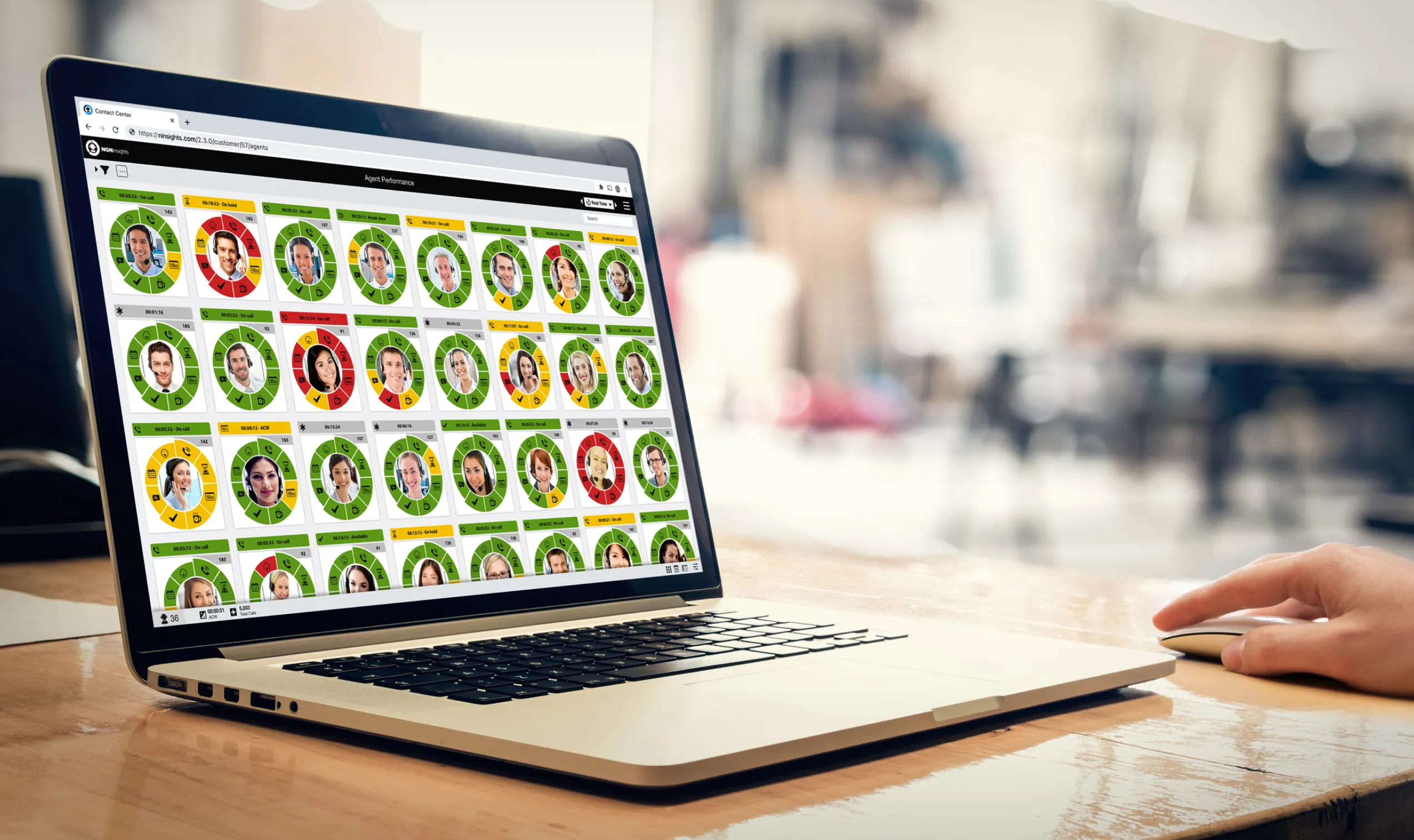
Product Evolution
VisualCueEvery implementation required a lot of custom work, which made the product expensive and difficult to scale. The goal was to turn that process into something repeatable — giving customers enough control to configure the platform themselves, without having to understand everything happening underneath it.
View full case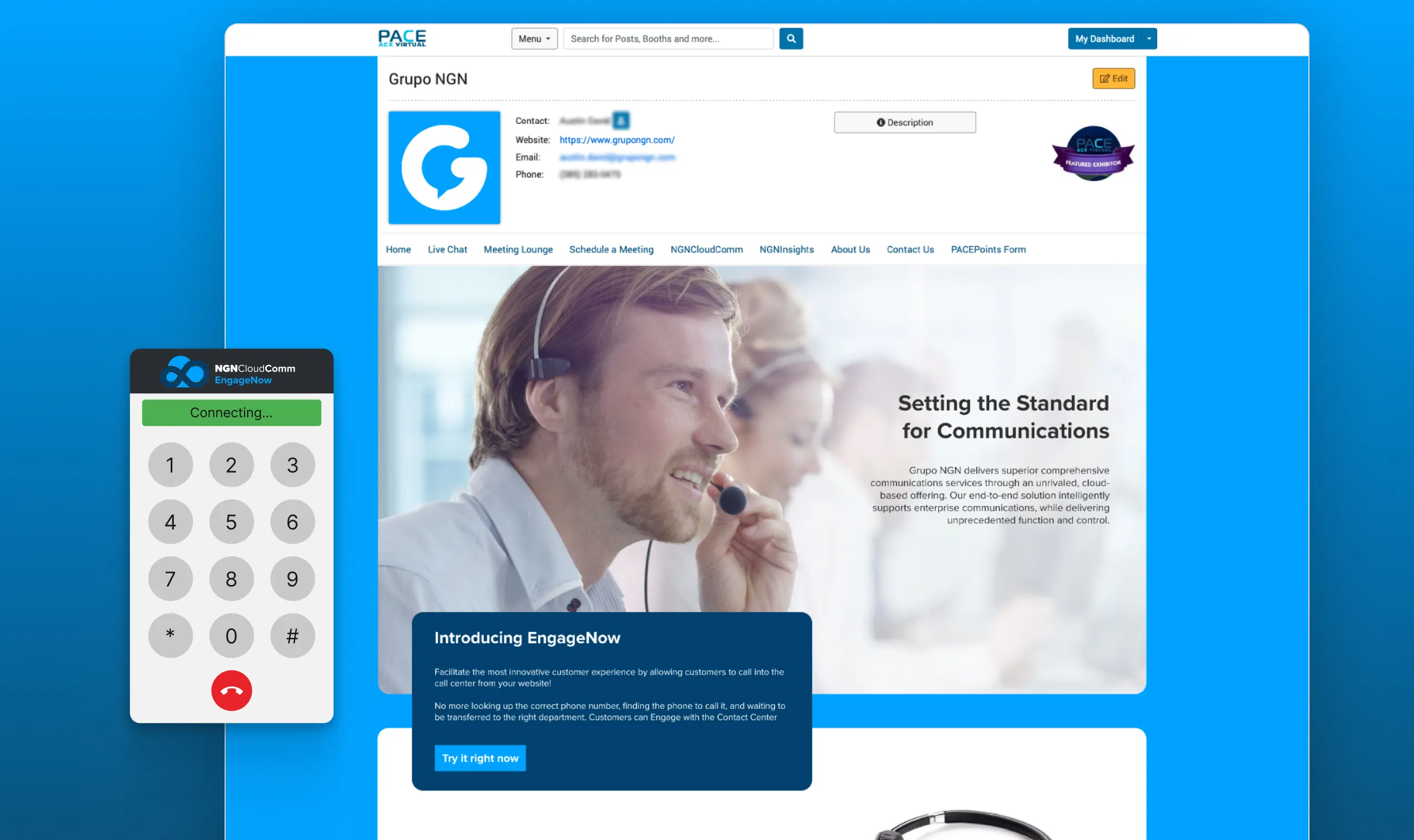
Problem Solving
Grupo NGNThe platform provided by the event organizers was built for images and text. We wouldn't be able to bring the interaction we most wanted to the booth — EngageNow — until I discovered that its rich text field would render raw HTML. That small opening changed what the booth could become.
View full case